A virtual wind tunnel on your phone
PocketAERO aims to make aerodynamic simulation as easy as possible. Run a 3D airflow simulation around a car on your phone. Explore surface pressure, streamlines and smoke, and read drag and downforce as clear numbers. Analyze six built-in cars for free, or bring in your own car from photos or a mesh file with Pro.



Scan with your phone to open the right store for your device.
Test a range of cars in the palm of your hand
Six built-in cars, from a 1920s classic to a modern supercar. Start analyzing offline, with no subscription required.
Build your car collection. Bring it into the wind tunnel.
Take one to four photos of a real car, create a 3D model, and analyze it in the wind tunnel. You can also import your own STL or OBJ mesh files.
1. Take photos
Follow the guide to take one to four photos, or choose pictures from your photo library.
2. Create a 3D model
Generate a 3D model from your photos. Enter a real-world measurement, such as the car's length, to set its scale.
3. Run the analysis
Analyze it just like a built-in car, then explore the results in every visualization mode.
Photo-to-3D generation uses a third-party service, Meshy AI. Each generation uses one credit.
Features
Every feature for the six built-in cars is free. No specialist knowledge required.
See the airflow
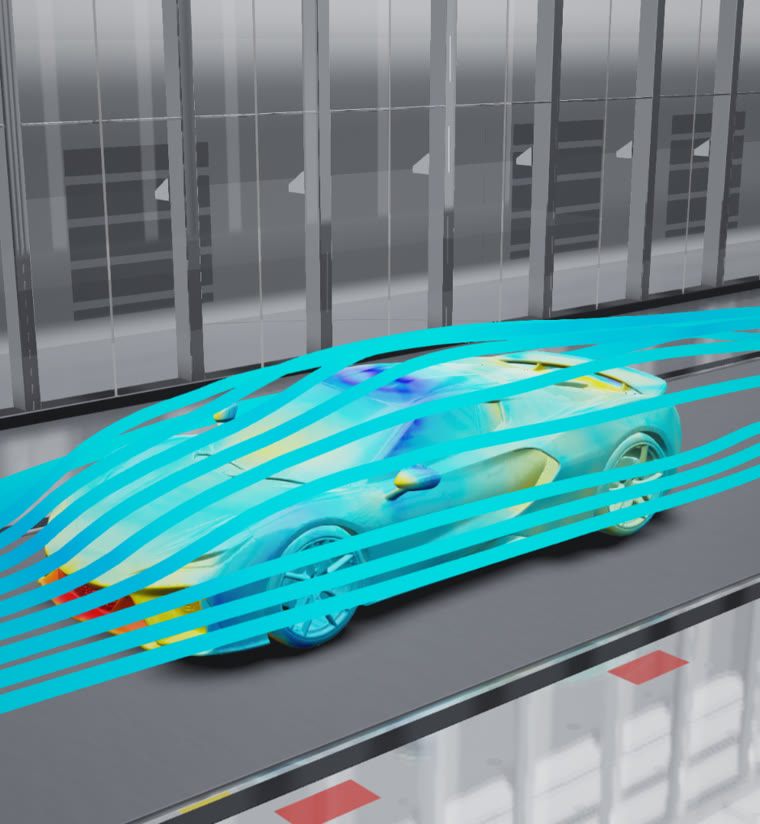
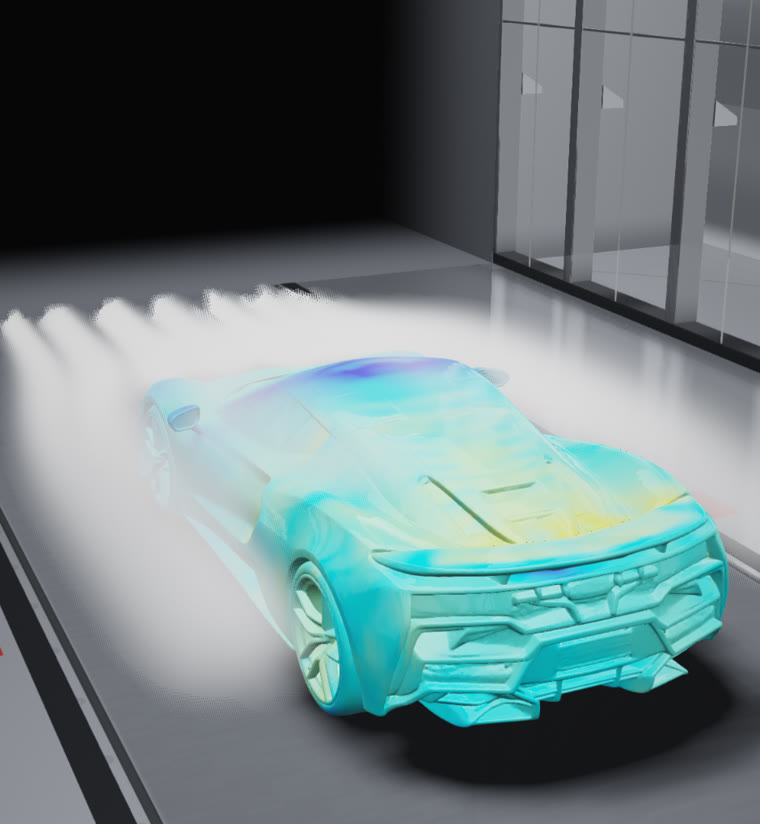
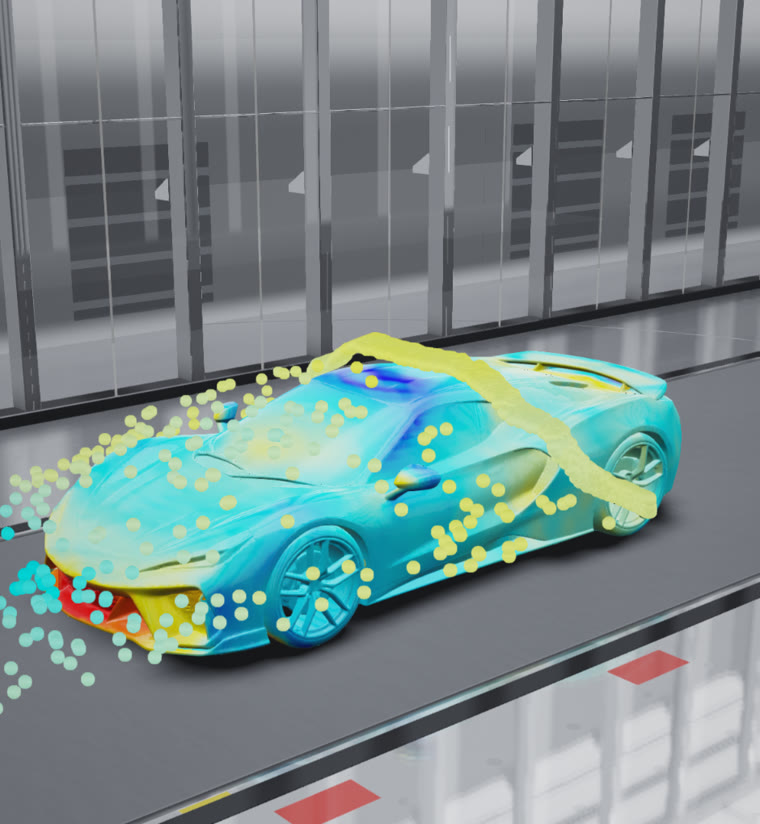
See air move around the car with smoke, streamlines and confetti particles.
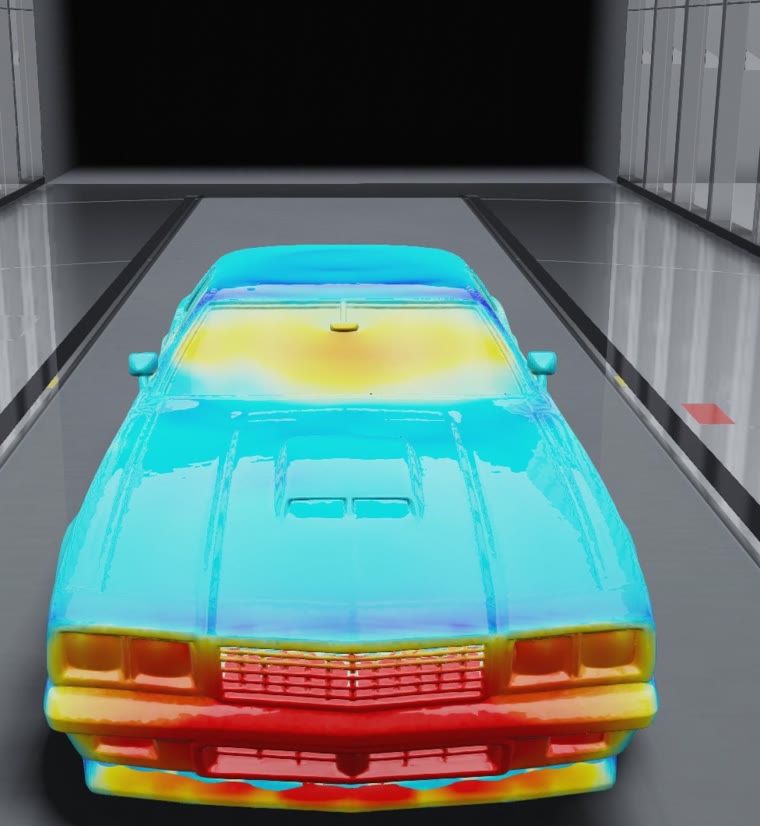
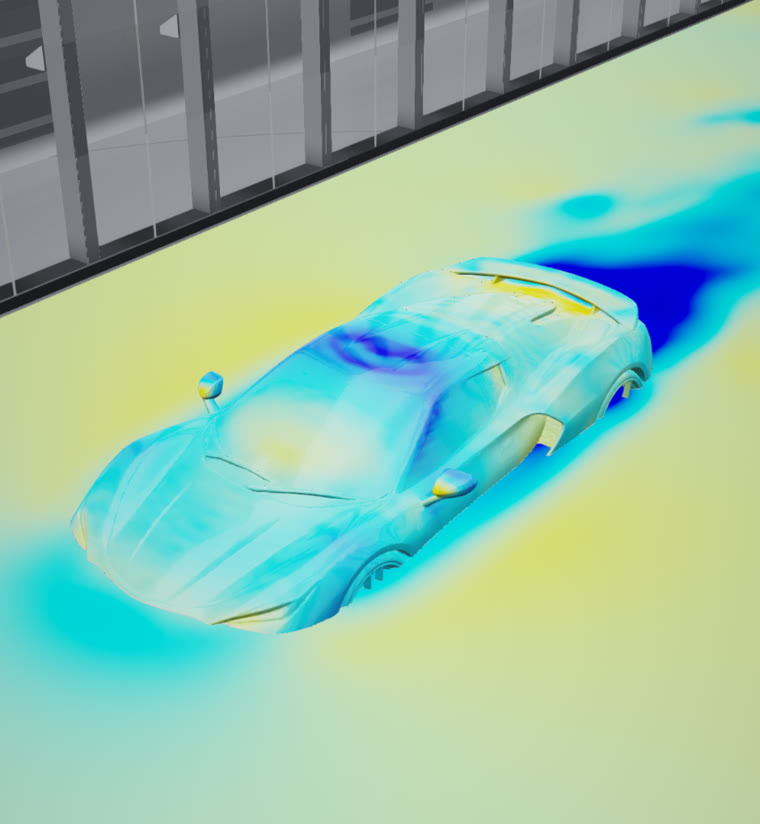
Surface pressure in color
A color map shows where pressure is high or low on the body.
Explore cross-sections
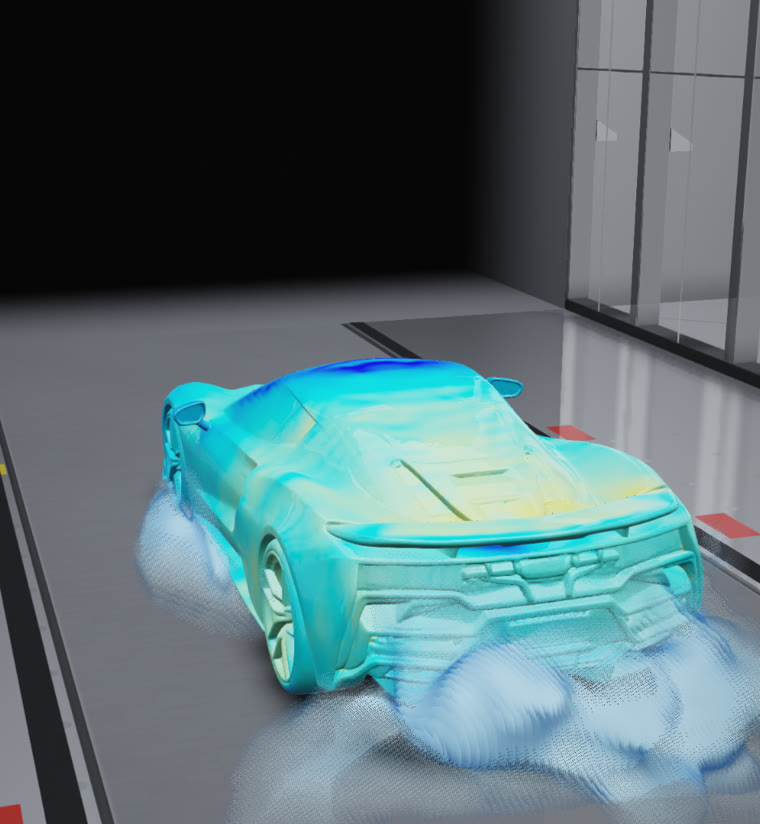
Slice through the airflow to see what happens behind the car and underneath it.
Drag and downforce
Read Cd, CdA, drag and lift or downforce as numbers.
Adjust speed and crosswind
Change road speed and yaw angle to explore crosswinds. Choose from five quality levels.
STL / OBJ import (Pro)
Import and analyze your own STL or OBJ mesh files.
Save reports and share images
Save a report of your results or share an image.
Photos to 3D (Pro)
Create and analyze a 3D model from one to four photos of a real car.
Visualization modes
Switch between surface pressure, streamlines, smoke, wake, cross-sections and confetti, or layer them together. Drag with one finger to rotate, and use two fingers to zoom or pan.
The numbers behind the flow
Aerodynamic values calculated from the surface pressure appear at the top of the screen. You can move the camera during the analysis.
How it works
The airflow you see is calculated on your device for each run. Change the conditions and the results change too.
3D fluid simulation
The car is represented by a grid of small cubes. The airflow around it is calculated with the incompressible Navier–Stokes equations, using a finer grid near the body to represent its shape. This voxel-based calculation cannot resolve the boundary layer in detail.
∇·u = 0
Calculated on your device
Built-in cars and imported mesh files are analyzed on your device. Their geometry and analysis results are not sent to an external service. Older devices may take longer.
Pricing
Free to get started. Analyze the six built-in cars and use every visualization mode for free. Photo-to-3D generation and STL / OBJ import are available with the paid PocketAERO Pro plan.
 PocketAERO Pro
| Credits per month | Monthly | Annual |
|---|---|---|
| 3 credits | ¥1,500 | ¥15,000 |
| 9 credits | ¥3,000 | ¥30,000 |
| 15 credits | ¥4,000 | ¥40,000 |
- Generate a 3D model from 1–4 photos (1 credit per generation)
- Import STL / OBJ mesh files
- Credits reset every month, including annual plans; no rollover
- Access continues until the end of your paid period after cancellation
- Restore Purchases restores your subscription and remaining credits
Check your store for the price in your region. Subscriptions renew automatically unless cancelled. Manage or cancel your subscription in the App Store or Google Play subscription settings.
Frequently asked questions
Can it replace a real wind tunnel or professional CFD software?+
No. PocketAERO is designed for tuning ideas, learning and hobby use. It does not replace a real wind tunnel or professional engineering software.
How long does an analysis take?+
From a few dozen seconds to one or two minutes, depending on the quality setting. Higher quality takes longer. You can still move the camera during the analysis.
Which devices are supported?+
PocketAERO supports iPhone, iPad and Android. Older devices may take longer to calculate and display results.
Are my photos sent to an external service?+
Built-in cars and mesh files are analyzed entirely on your device. Only the photos you choose for 3D generation are sent to the generation service. Avoid photos that show people or license plates.
Download
Free to get started. Analyze six built-in cars and use every visualization mode at no cost.
Scan with your phone to open the right store for your device.