 Recce Partner
A pace note app for rally co-drivers
Create, adjust and record
rally pace notes
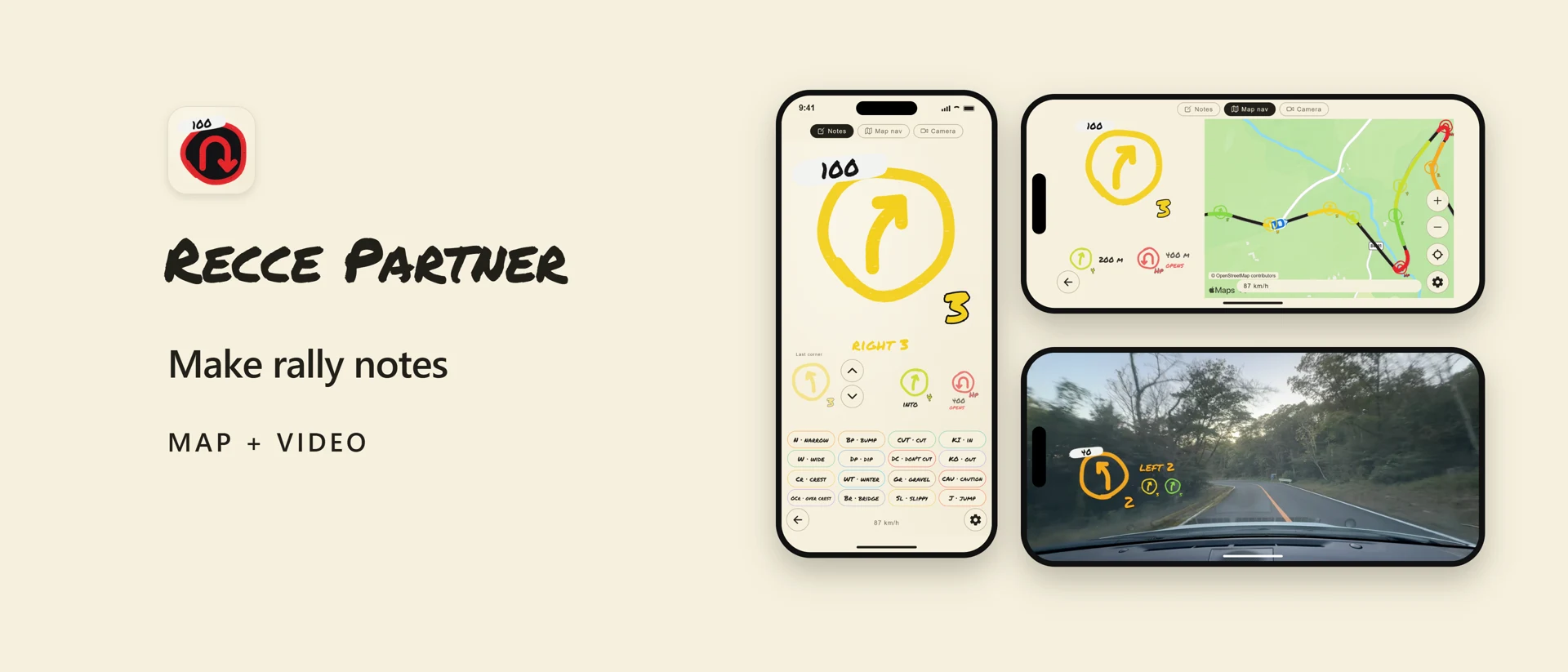
Recce Partner creates draft pace notes from Apple Maps route geometry. Adjust corner grades, check them along your route, and record video with the notes overlaid.
For iPhone and iPad. An active monthly or annual subscription is required to use the app.
01Check & adjust corners
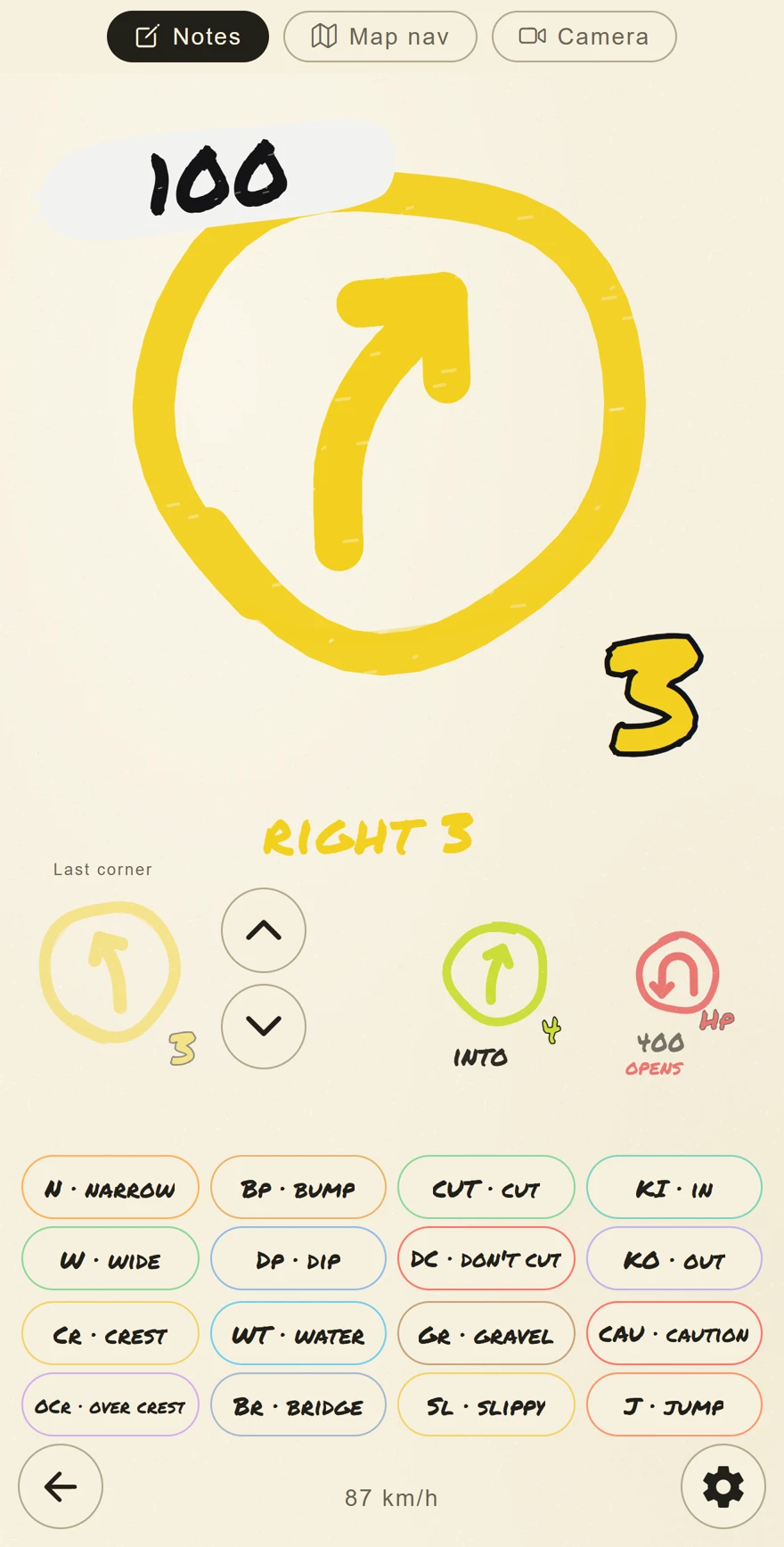
See the direction, grade and distance at a glance, with the next two corners alongside. Make corrections as you review your notes.
- Adjust corner grades
- Add caution marks
- Save courses and edited notes
02See corner grades on the route
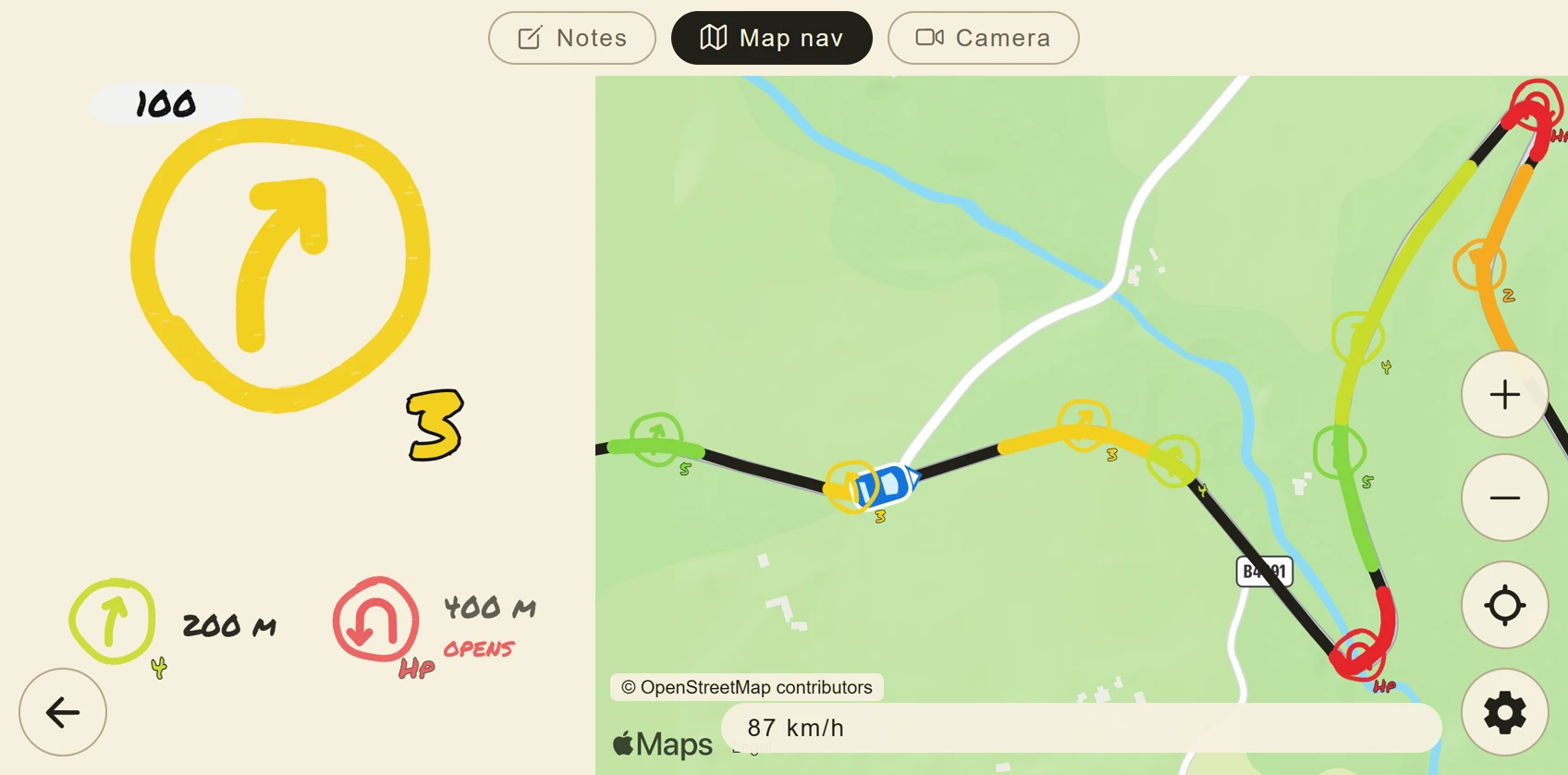
View your route and corner notes together on Apple Maps. Set a start, waypoints and a goal, then check the sequence of corners before you set off.
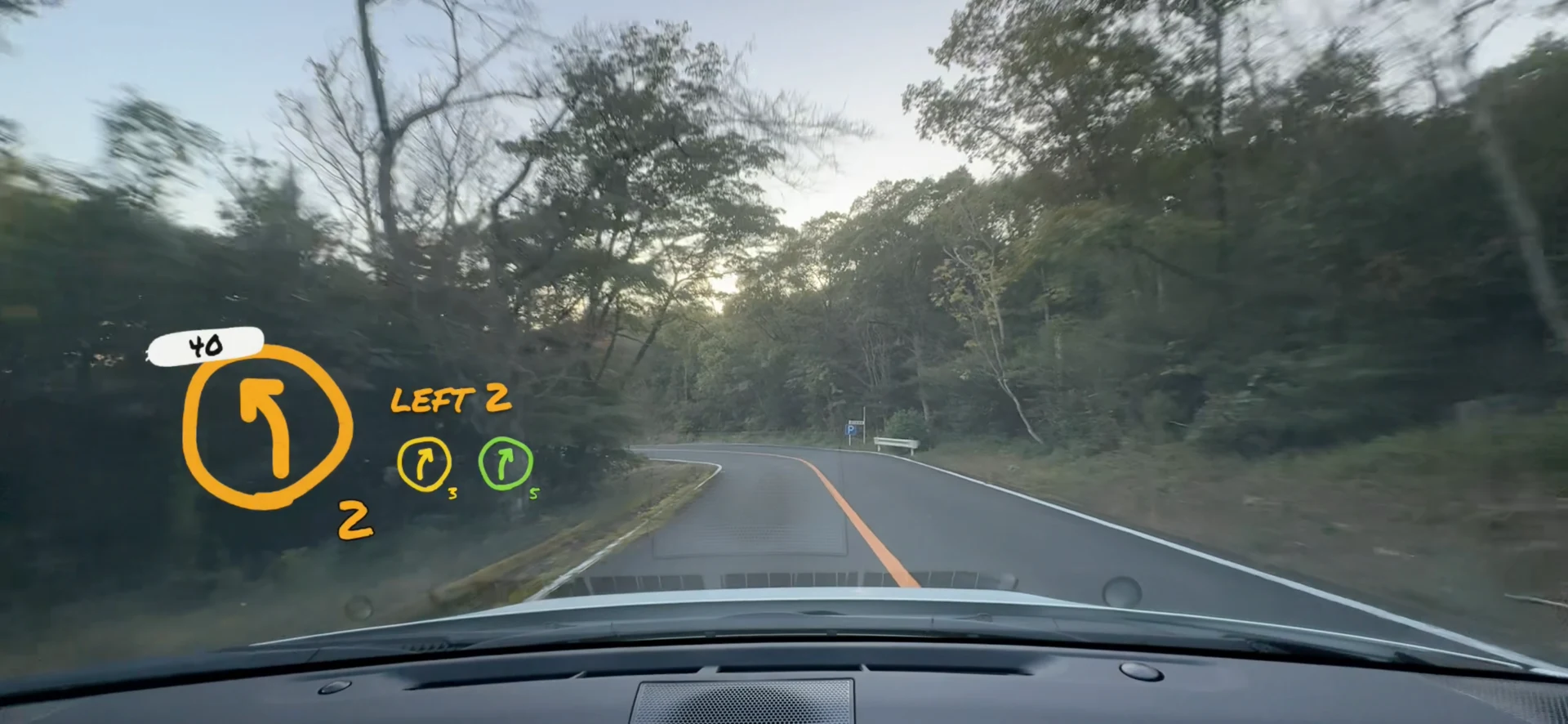
03Record with notes
Record video and sound with pace notes overlaid. When you stop recording, the video is saved to Photos so you can compare the road and your notes afterwards.
04From route planning to review
Choose a route on the map
Set a start, waypoints and a goal to create a draft set of pace notes.
Check and adjust against the road
Review corner grades and caution marks, then correct the notes where needed.
Save your notes and video
Export the edited notes and review them alongside your recorded video.
- Position-based voice playback
- Adjust the lead time and speaking rate.
- Export images and text
- Share a pace-note book image, or share and copy the notes as text.
- English and Japanese
- Choose the app language and pace-note language separately.
- Open mode
- Create a provisional route ahead from your position and heading. Check the actual road at junctions.
05Plans and requirements
The app is free to download. An active auto-renewable subscription is required to use it. Monthly and annual plans unlock the same features.
| Plan | Included features |
|---|---|
| Monthly | Pace note creation and editing, map view, voice playback, saving and exporting notes, and video recording with pace-note overlays. |
| Annual |
Prices, billing periods and eligibility for any free trial are shown in the app before purchase. Check the purchase screen once the app is available.
Payment is charged to your Apple Account. Subscriptions renew automatically unless cancelled at least 24 hours before the current period ends. Manage or cancel in Apple Account subscription settings. Restore purchases in the app.
Connection and permissions
Route requests need an internet connection. Position-based display and voice playback need accurate GPS. Recording uses camera, microphone and add-to-Photos permissions.
Before you use the app
Draft notes may contain errors, omissions or delays. Check them against the actual road and make corrections. Road geometry does not reliably describe surface conditions, gradients, roadworks or closures. Drivers must not operate or watch the app while driving. Follow traffic laws and posted speed limits.
06Frequently asked questions
Can I use generated notes without checking them?
The notes are drafts based on map route geometry. Check and correct them against the actual road. They do not guarantee driving safety.
Does the app work offline?
Getting a new route requires a connection. Previously loaded routes may be used while they remain available, but position-based display and voice playback still require accurate GPS.
Where are recordings saved?
When you stop recording, the video with notes overlaid is saved to Photos on your device. Recording continues when you switch between pages within the app.
Can I use English notes with the Japanese interface?
Yes. Choose the interface language and pace-note language separately in Settings. You can use a Japanese interface with English notes, or the reverse.
For help with the app, visit the support page.